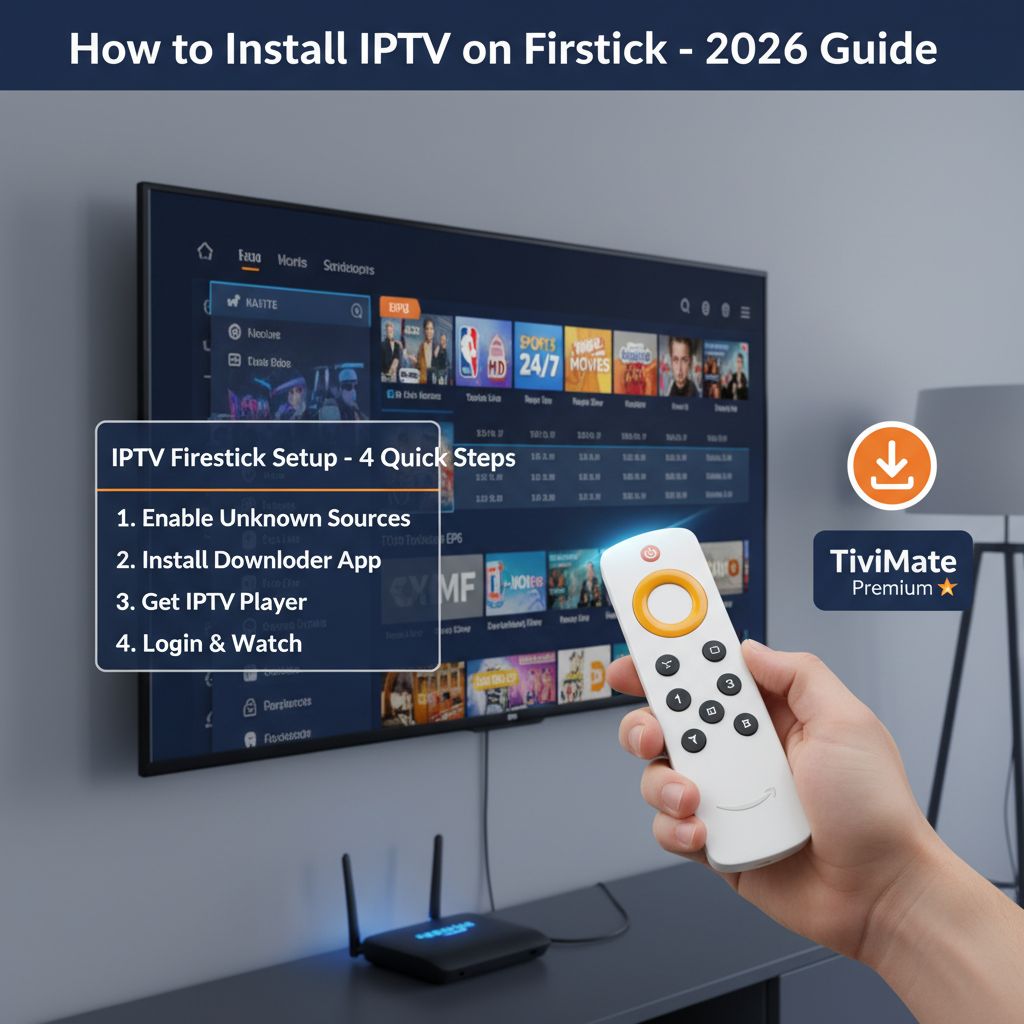
What Is IPTV on Firestick and Why Everyone in the USA Is Switching
IPTV Firestick is the most popular way to stream live TV, sports, and on-demand content in the USA in 2026 — without a cable subscription. IPTV (Internet Protocol Television) delivers thousands of live TV channels directly through your internet connection, and the Amazon Firestick is the perfect device to run it: affordable, compact, and compatible with all major IPTV player apps.
If you are still paying $80–$150 per month for cable TV, you are overpaying. A premium IPTV subscription gives you access to more channels — including NFL, NBA, ESPN, HBO, CNN, and international content — for as little as $10–$15 per month. That is a saving of over $1,000 per year for the average American household.
Not sure which service to choose? Read our guide on how to choose the best IPTV service provider before getting started, or visit our IPTV free trial USA page to test a premium service before you subscribe.
Why the Amazon Firestick Is the Best Device for IPTV in 2026
Many devices support IPTV streaming — Smart TVs, Android boxes, iPhones, and laptops — but the Firestick stands out for these key reasons:
- Affordable: The Firestick 4K Max costs under $60 and plugs into any HDMI TV instantly.
- Powerful processor: Handles large IPTV channel lists and 4K streams without lag or freezing.
- Easy app sideloading: Supports third-party IPTV apps like TiviMate and IPTV Smarters Pro.
- Portable: Take it anywhere — hotel rooms, vacation rentals, second homes — and stream instantly.
- No monthly device fees: One purchase, unlimited use with your IPTV subscription.
Firestick Models Comparison — Which One Should You Buy for IPTV?
Not all Firestick models perform equally for IPTV streaming. Here is a full comparison to help you choose:
| Firestick Model | Max Resolution | Wi-Fi | Best For | Price |
|---|---|---|---|---|
| Firestick 4K Max (2nd Gen) ⭐ | 4K Ultra HD | Wi-Fi 6 | Best overall for IPTV | ~$59.99 |
| Firestick 4K | 4K Ultra HD | Wi-Fi 5 | Budget 4K IPTV | ~$49.99 |
| Firestick HD | 1080p Full HD | Wi-Fi 5 | Entry-level users | ~$29.99 |
| Fire TV Cube | 4K Ultra HD | Wi-Fi 6E | Power users + Alexa | ~$139.99 |
For most users, the Firestick 4K Max (2nd Gen) is the best choice for IPTV in the USA. Its Wi-Fi 6 support and upgraded processor make a real difference when streaming large channel lists and 4K content simultaneously. You can also explore the full list of compatible devices on our 4K live IPTV channels page.
Ready to get started? View our IPTV subscription plans and choose the plan that fits your budget — monthly, quarterly, or annual options are available.
What You Need Before Installing IPTV on Your Firestick
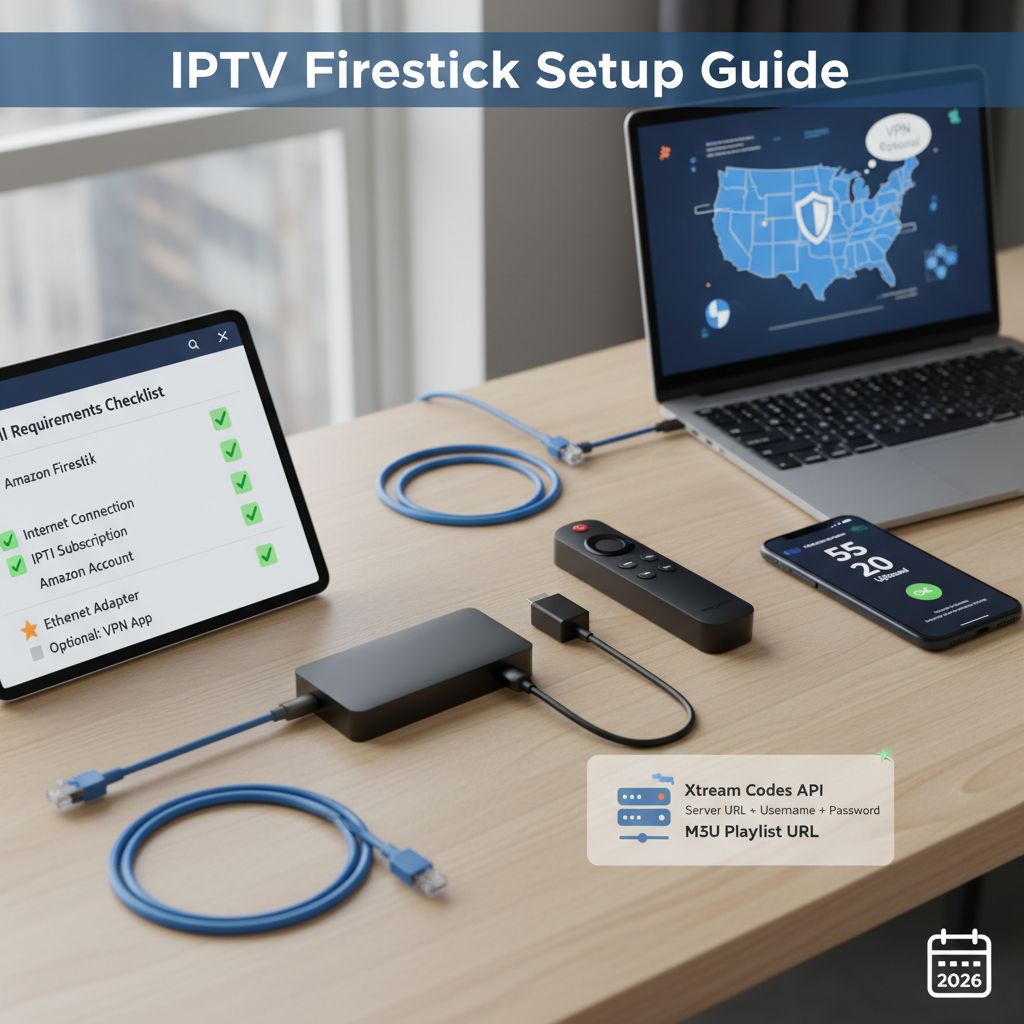
Before jumping into the installation steps, make sure you have everything ready. A successful IPTV Firestick setup requires four essential things: the right hardware, a stable internet connection, a reliable IPTV player app, and valid subscription credentials from your IPTV provider. Missing any one of these will cause issues during setup.
If you have not yet chosen an IPTV subscription, we strongly recommend reading our guide on the best IPTV services in 2026 before proceeding. You can also start with a free 24-hour IPTV trial — no credit card required — to test everything before committing to a paid plan.
Full Requirements Checklist
| Requirement | Details | Status |
|---|---|---|
| Amazon Firestick | Any model — Firestick 4K Max recommended for best IPTV performance | ✅ Required |
| Internet Connection | Minimum 25 Mbps for HD · 50+ Mbps for 4K IPTV streaming | ✅ Required |
| IPTV Subscription | M3U URL or Xtream Codes login credentials from your provider | ✅ Required |
| Amazon Account | To access the Firestick App Store and install the Downloader app | ✅ Required |
| Ethernet Adapter | Amazon Ethernet Adapter for Fire TV (~$14.99) — eliminates Wi-Fi buffering | ⭐ Recommended |
| VPN App | NordVPN or Surfshark — prevents ISP throttling on IPTV streams | Optional |
How Much Internet Speed Do You Need for IPTV on Firestick?
Your internet connection speed is one of the most critical factors for a smooth, buffer-free IPTV Firestick experience. Too slow and you will see constant loading screens. Here are the exact speeds you need for each quality level:
- SD (Standard Definition 480p): Minimum 5 Mbps · Recommended 10 Mbps
- HD (720p / 1080p Full HD): Minimum 15 Mbps · Recommended 25 Mbps
- 4K Ultra HD IPTV streaming: Minimum 25 Mbps · Recommended 50 Mbps or above
- Multiple simultaneous streams: Add 15–25 Mbps per additional screen
If your internet speed is below these thresholds, you may experience IPTV buffering on Firestick regardless of your provider. We recommend running a free speed test at fast.com or speedtest.net before starting your setup. Also check our full list of 4K live IPTV channels to see what quality levels are available on Globall TV.
You can test your internet speed for free at Speedtest by Ookla before starting your IPTV Firestick setup.M3U Playlist vs Xtream Codes — Which Login Method Is Better?
When you subscribe to an IPTV service, your provider will give you one of two ways to connect your channels to your Firestick app. Understanding the difference will save you a lot of setup time:
| Login Method | What It Is | Stability | Best For |
|---|---|---|---|
| Xtream Codes API ⭐ | Server URL + Username + Password | Excellent | All users — most reliable method |
| M3U Playlist URL | Direct link to a .m3u file containing all channels | Good | Simple setups, occasional use |
Xtream Codes is the recommended method for IPTV on Firestick because it dynamically fetches your channel list and Electronic Program Guide (EPG) directly from the server — it is faster, more stable, and easier to manage. When contacting your IPTV provider, always ask for Xtream Codes credentials rather than a plain M3U link. You can learn more about subscription options on our IPTV subscription plans page.
Do You Need a VPN for IPTV on Firestick in the USA?
A VPN for IPTV Firestick is not mandatory when using a licensed provider, but it is highly recommended for two reasons. First, some US internet service providers (ISPs) throttle streaming traffic during peak hours, which causes buffering even on fast connections. Second, a VPN protects your privacy and encrypts your internet traffic.
If you choose a legitimate, licensed provider like Globall TV, a VPN is entirely optional. Our servers are optimized for US traffic and deliver stable streams without requiring any additional tools. For more information on legal streaming in the USA, read our guide: Is IPTV legal in the USA?
Step-by-Step: How to Install IPTV on Firestick in 2026
Follow these steps exactly and you will have your IPTV running on Firestick in under 10 minutes. This guide works for all Firestick models in 2026 — including the Firestick 4K Max, Firestick 4K, Firestick HD, and Fire TV Cube. No technical experience is required.
Before starting, make sure you have your IPTV subscription credentials ready — either your Xtream Codes login (Server URL, Username, Password) or your M3U playlist URL from your provider. If you do not have a subscription yet, visit our IPTV subscription plans page or start with a free 24-hour IPTV trial before committing.
---Step 1 — Enable Apps from Unknown Sources on Firestick
By default, Amazon Firestick only allows apps installed from the official Amazon Appstore. To install IPTV player apps like TiviMate or IPTV Smarters Pro, you must first enable Unknown Sources. Here is how:
- From your Firestick home screen, click the Settings gear icon at the top right.
- Select My Fire TV.
- Tap Developer Options.
- Toggle "Install Unknown Apps" to ON.
- Also toggle ADB Debugging to ON for full app compatibility.
Important tip: If you do not see Developer Options in your My Fire TV menu, go to Settings → My Fire TV → About and click the device name 7 times rapidly. This unlocks the Developer Options menu on all Firestick models.
---Step 2 — Install the Downloader App
The Downloader app is a free tool that lets you download and install APK files directly onto your Firestick. This is the method used to install IPTV player apps that are not available in the Amazon Appstore.
- From the Firestick home screen, click the Search magnifying glass icon.
- Type "Downloader" and select the orange Downloader icon from the results.
- Click Get or Download — the app is completely free.
- Once installed, open Downloader.
- When prompted, tap Allow to let Downloader install unknown apps.
You are now ready to install your IPTV app on Firestick in the next step.
---Step 3 — Install Your IPTV Player App
With Downloader installed, you can now sideload your preferred IPTV player app for Firestick. The two best options in 2026 are TiviMate Premium (best overall) and IPTV Smarters Pro (best for beginners). Here is a quick comparison to help you choose:
| IPTV App | Best For | Price | EPG Support | Xtream Codes |
|---|---|---|---|---|
| TiviMate Premium ⭐ | Power users | ~$4.99/year | Yes — 14 days | Yes |
| IPTV Smarters Pro | Beginners | Free | Yes | Yes |
| Smart IPTV (SIPTV) | Simplicity | $5.49 one-time | Yes | Yes |
| Perfect Player | M3U users | Free | Yes | Limited |
To install your chosen IPTV app, follow these steps inside Downloader:
- Open the Downloader app on your Firestick.
- Tap the URL field and type the direct APK download link for your chosen app.
- Tap Go and wait for the file to download — this takes 30–60 seconds.
- Once downloaded, tap Install.
- After installation is complete, tap Done (not Open).
- Go back to Downloader and delete the APK file to free up storage space.
Your IPTV player app is now installed on your Firestick. For a full device-by-device setup guide including Smart TV, Android, and iPhone, visit our IPTV installation guide for all devices.For official Amazon Firestick specifications, visit the Amazon Fire TV official page.
---Step 4 — Connect Your IPTV Subscription to the App
This is the final step. You will now enter your IPTV subscription credentials into your player app to load all your channels, sports, and VOD content. There are two methods depending on what your IPTV provider gives you:
Method A — Xtream Codes login (recommended):
- Open your IPTV Smarters Pro or TiviMate app.
- Select "Login with Xtream Codes API" or "Add Playlist → Xtream Codes".
- Enter your Server URL, Username, and Password provided by Globall TV.
- Tap Add User or Save.
- Wait for the app to load your full channel list and EPG — this takes 30–120 seconds.
Method B — M3U Playlist URL:
- Open your IPTV player app and go to Add Playlist.
- Select "M3U URL" and paste your M3U link from your provider.
- Tap Load or Save and wait for the channels to import.
Once connected, your IPTV on Firestick is fully set up. Browse the full 4K live IPTV channel list to see everything included in your subscription. Your IPTV Firestick installation is now complete and ready to stream over 10,000 live channels in HD and 4K quality.
---Quick Setup Summary
| Step | Action | Time Required |
|---|---|---|
| Step 1 | Enable Unknown Sources in Developer Options | ~1 minute |
| Step 2 | Install Downloader app from Amazon Appstore | ~2 minutes |
| Step 3 | Download and install your IPTV player app via Downloader | ~3 minutes |
| Step 4 | Enter your IPTV subscription credentials and load channels | ~2 minutes |
| Total | IPTV fully running on Firestick | ~8 minutes |
That is it — your IPTV Firestick setup is complete. If you encounter any issues during the process, our support team is available 24/7. Visit our contact page or reach us directly on WhatsApp for instant assistance. You can also explore the best IPTV services in the USA if you are still comparing providers before subscribing.
---Frequently Asked Questions — How to Install IPTV on Firestick
Is IPTV legal on Firestick in the USA?
IPTV technology is completely legal. The legality depends on the provider you use. A licensed provider like Globall TV operates within applicable US regulations. For a full breakdown of IPTV laws, read our dedicated guide: Is IPTV Legal in the USA?
What is the best IPTV app for Firestick in 2026?
The best IPTV app for Firestick in 2026 is TiviMate Premium for power users and IPTV Smarters Pro for beginners. TiviMate offers a 14-day EPG, recording support, and multi-playlist management. IPTV Smarters Pro is free, easy to set up, and works perfectly with Xtream Codes credentials.
Why is my IPTV buffering on Firestick?
IPTV buffering on Firestick is usually caused by slow internet speed (below 25 Mbps for HD), Wi-Fi interference (switch to 5GHz or use an Ethernet adapter), overcrowded IPTV servers (choose a provider with 99%+ uptime), or outdated app cache (clear it monthly in Firestick settings). Switching from M3U to Xtream Codes also improves stability significantly. The best way to fix IPTV Firestick buffering is to use a wired ethernet connection and Xtream Codes login.
Can I get a free IPTV trial before subscribing?
Yes. Globall TV offers a free 24-hour IPTV trial with no credit card required. You can test the full channel list, stream quality, and Firestick compatibility before choosing a plan. Start your free IPTV trial here.
How many channels are included in a Globall TV subscription?
A Globall TV IPTV subscription includes over 10,000 live channels in HD and 4K quality — US local channels, ESPN, NFL Network, NBA TV, premium movie channels, news, and international content from over 50 countries. Browse the full list on our 4K live IPTV channels page.
What is the difference between M3U and Xtream Codes for IPTV?
An M3U playlist is a static file containing direct stream links. Xtream Codes is an API login system (Server URL + Username + Password) that dynamically fetches your channels and EPG from the server. Xtream Codes is faster, more stable, and is the recommended method for all IPTV Firestick setups in 2026.